You're currently on:

RX 12
Award-winning audio restoration software
Your audio, made flawless
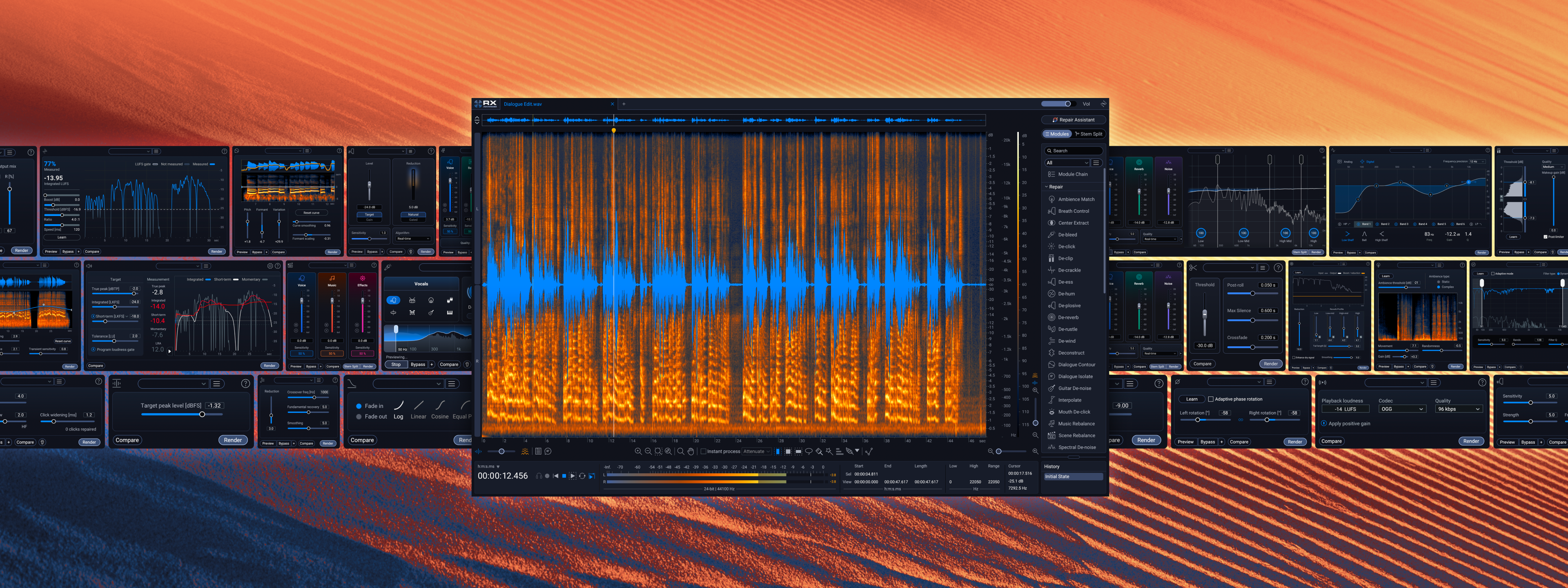
For decades, RX has pushed what’s possible in audio editing and restoration – bringing out the magic in every scene, song, and story. Powered by pioneering machine learning tech, it’s the supporting star behind countless Oscars, GRAMMYs, and Emmys, the winner of technical Academy Awards, Engineering Emmys, and more.
All-in-one audio restoration
RX’s 50+ tool ecosystem is everything you need to rescue, refine, and enhance every project – blending surgical control with rapid results. Fully flexible, RX 12 includes a standalone audio editing application and a suite of software plugins to use in digital audio workstations.
Paint problems away
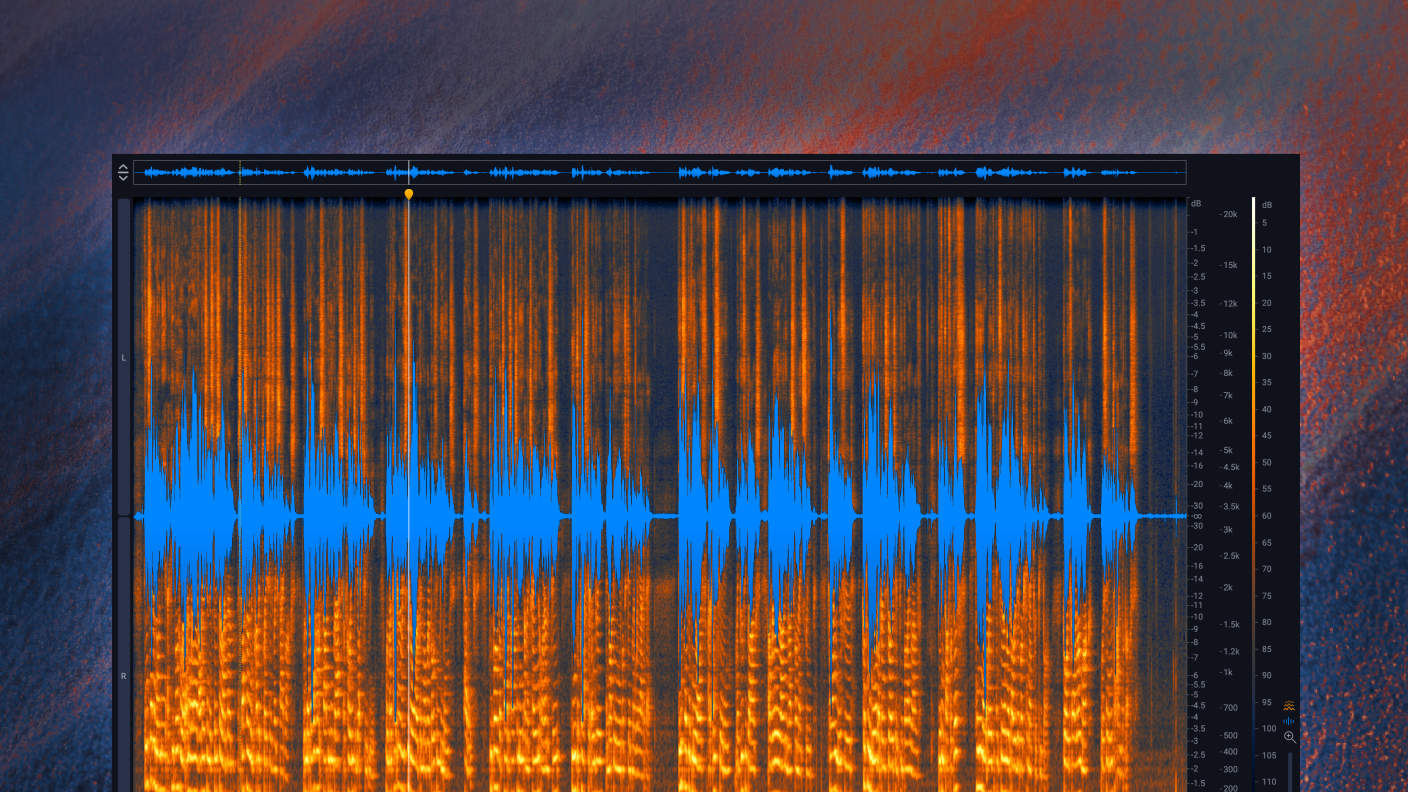
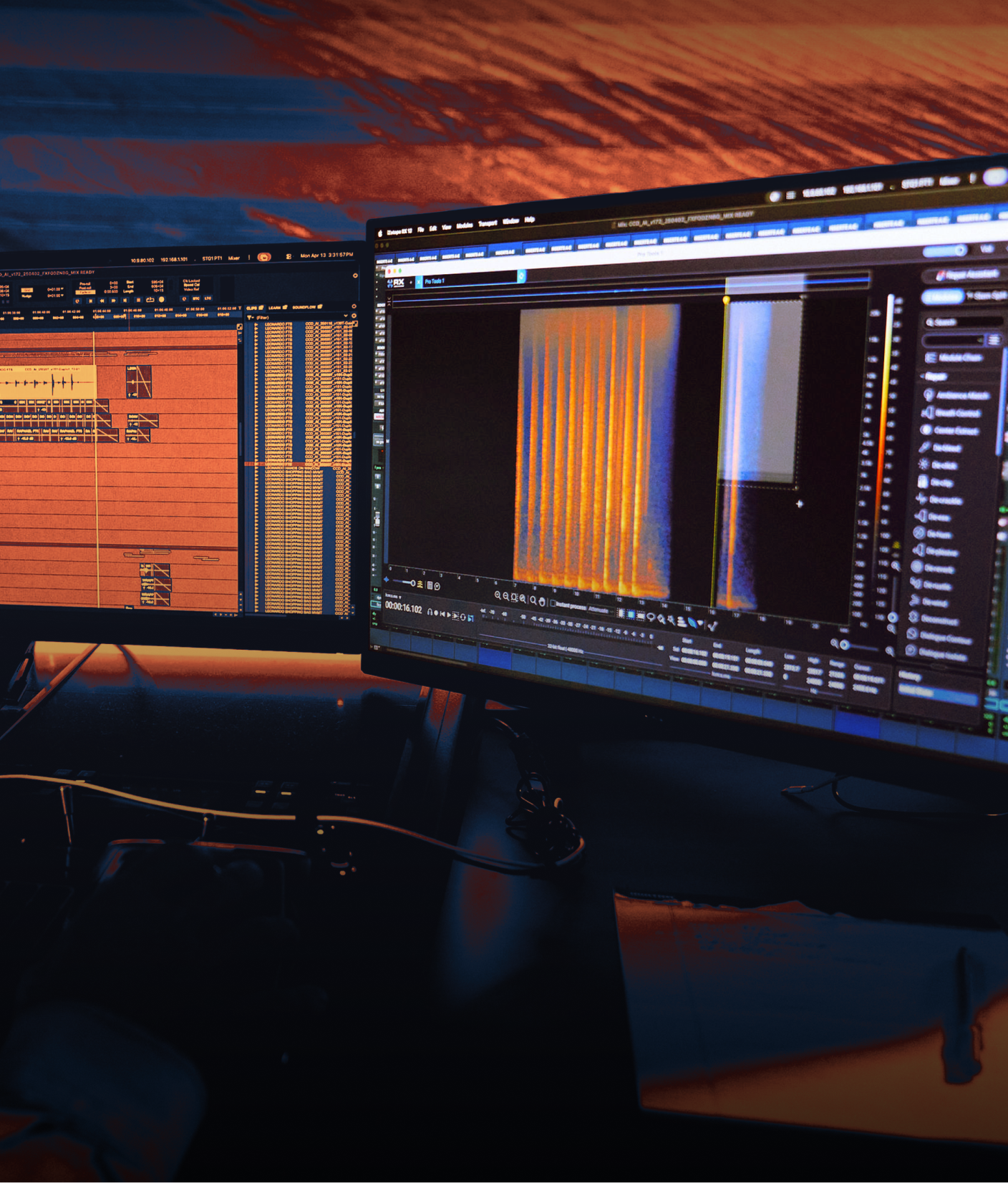
Visually target and replace unwanted sounds like dog barks, string squeaks, and sirens in RX’s Spectrogram, and tackle clicks, clips, hum, rustles, reverb, background noise, and tons more with bespoke repair modules.
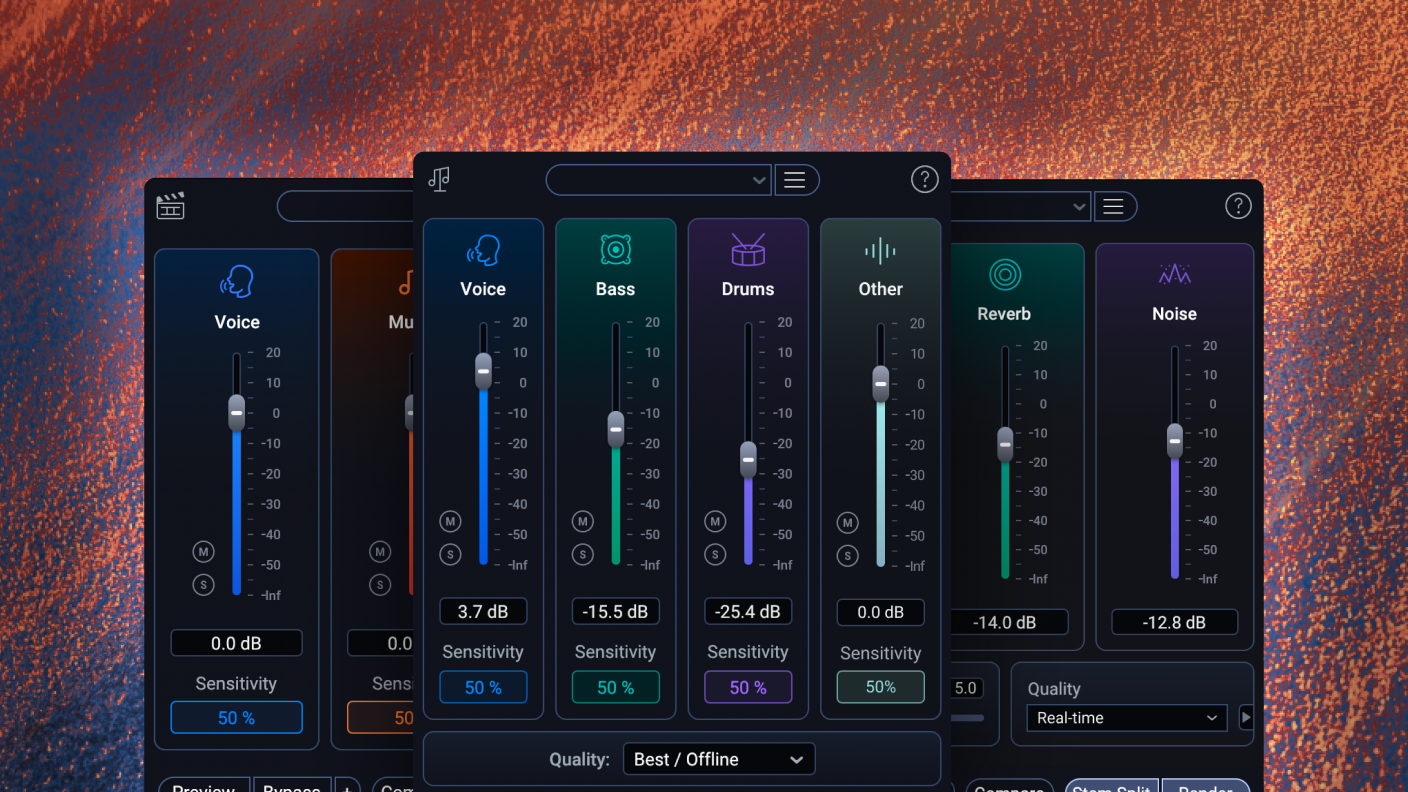
Make surgical edits
Easily split stems in post production sound mixes and fully mastered tracks. Make final mix tweaks easier, isolate stems for remixes, and unlock deeper editing for any audio with the all-new Stems View.
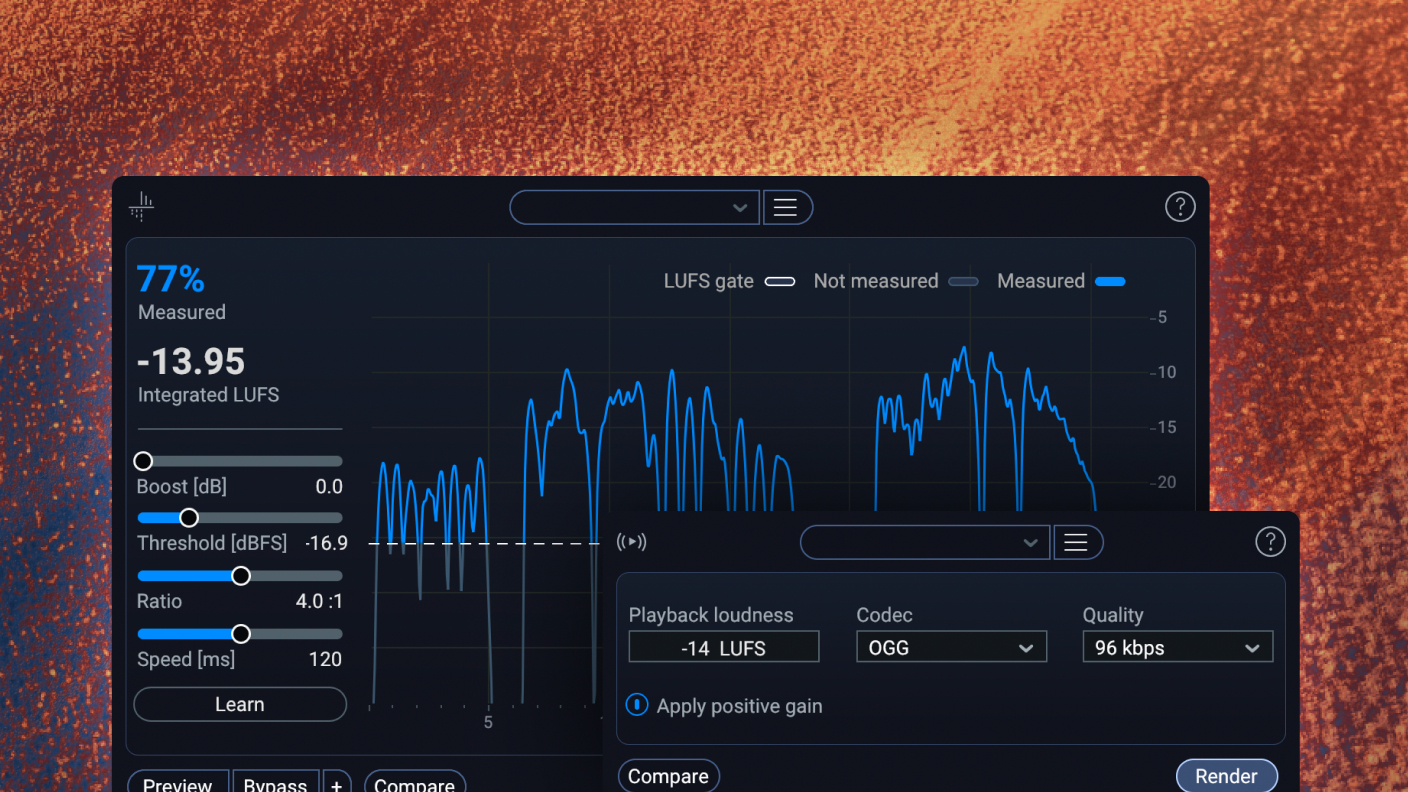
Release with confidence
Polish up vocal and instrument recordings, maximize the perceived loudness of your masters with the Loudness Optimize module, and avoid release-day surprises with Streaming Preview.
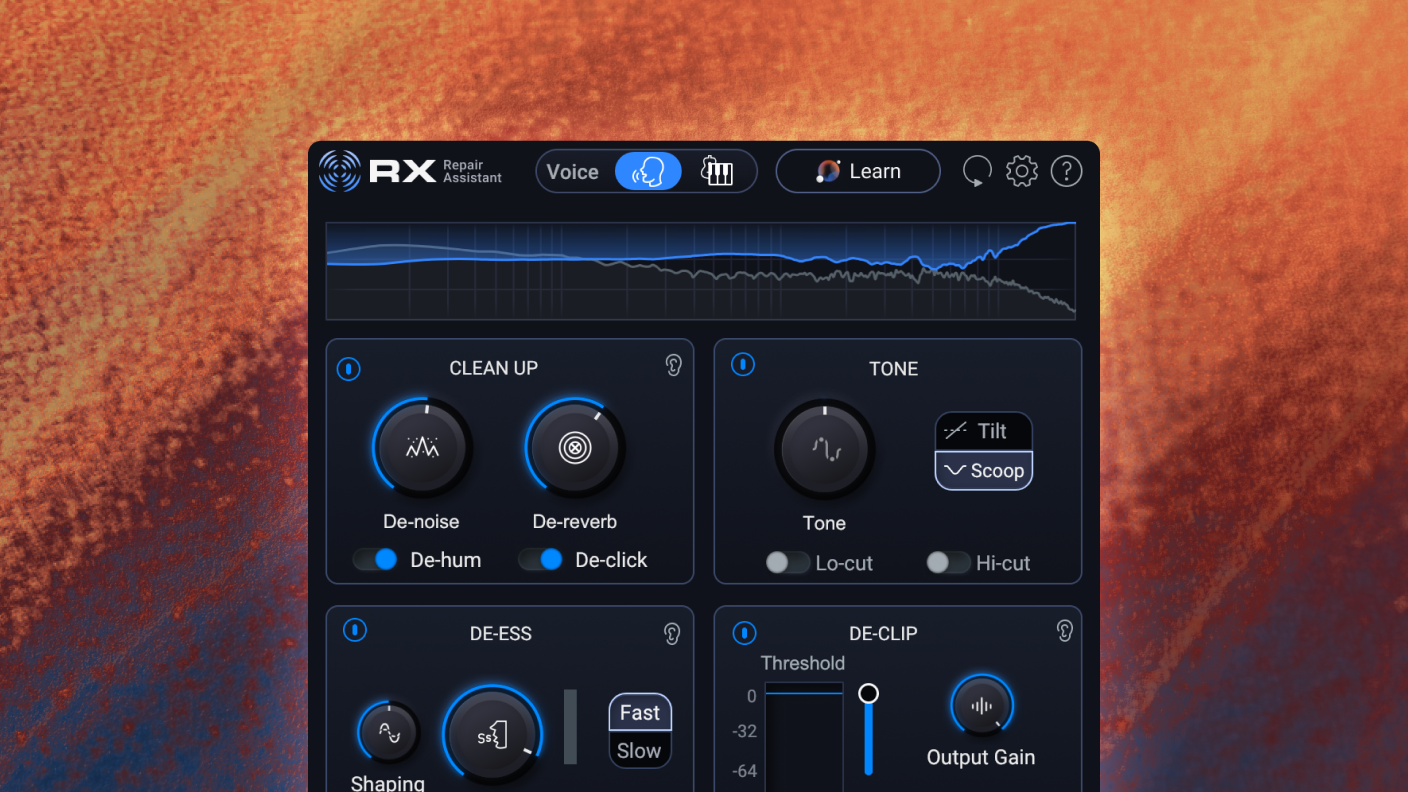
Rescue audio in seconds
If you’re looking for a helping hand to get great results fast, RX’s Repair Assistant intelligently recognizes and proposes fixes for specific problems that you can tweak to your taste with easy-to-use controls.
Audio repair for any project
Crafting an Oscar-worthy sound mix? Adding the final polish to chart-topping tracks? Making sure your home recordings are clean, clear, and crisp? However you work with audio, RX is your pro partner for flawless sound.
Post Production

Music Production
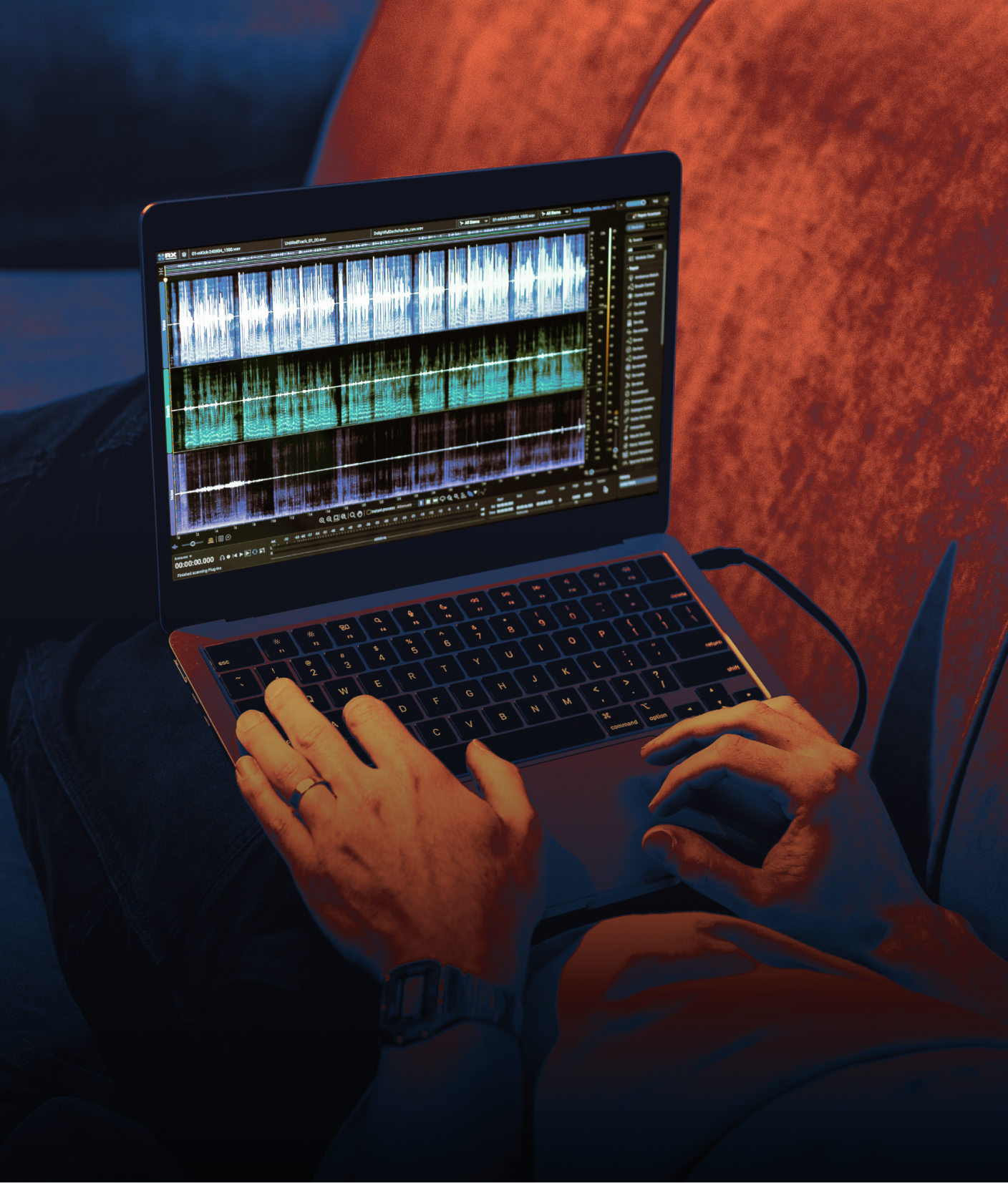
What's new in RX 12?
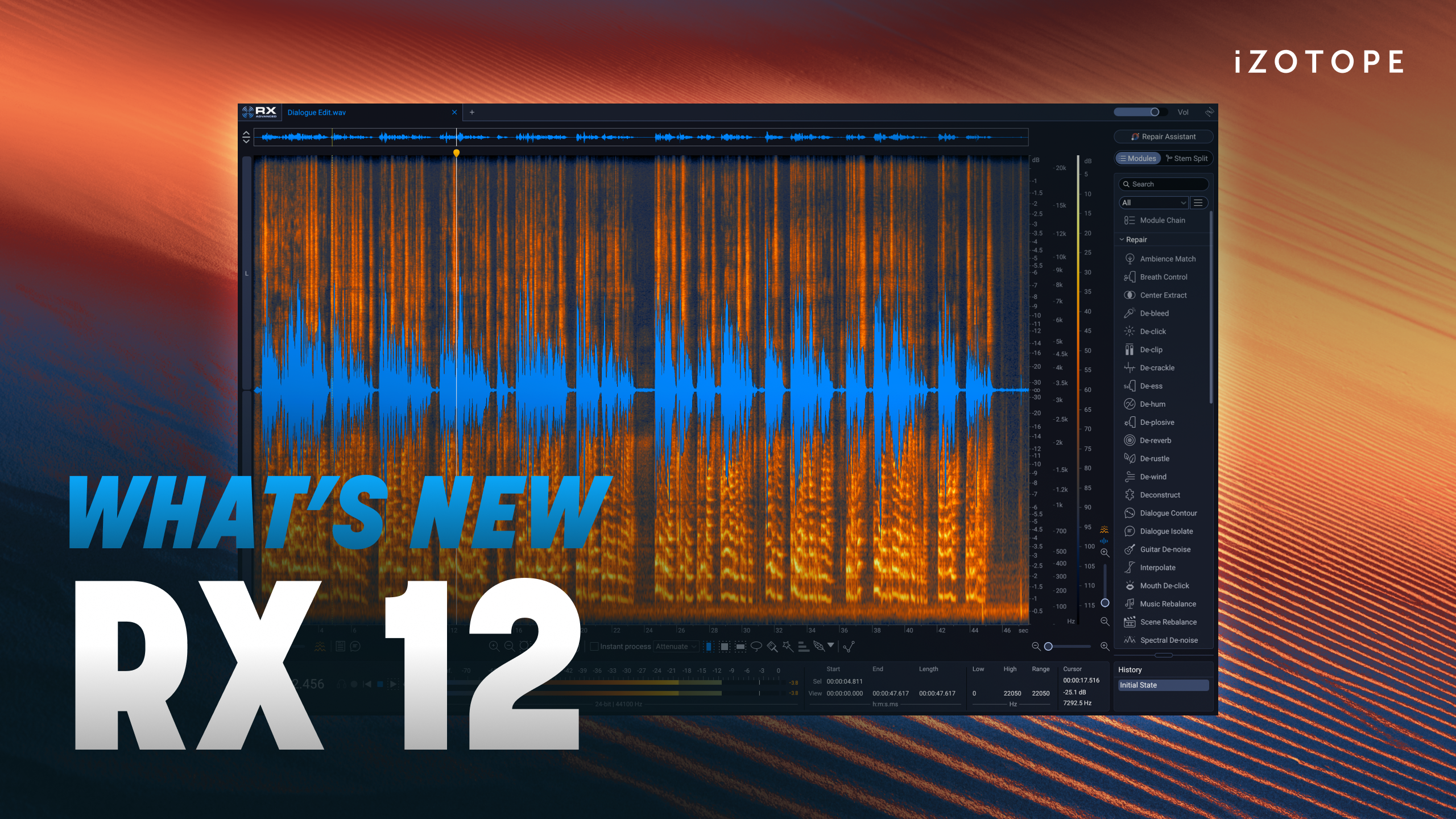
Faster. Smarter. Sharper. RX 12 is your pro partner to fix flaws, protect performances, and serve the story. Blend surgical precision with lightning speed thanks to intelligent new features, upgraded modules, and an award-winning ecosystem.
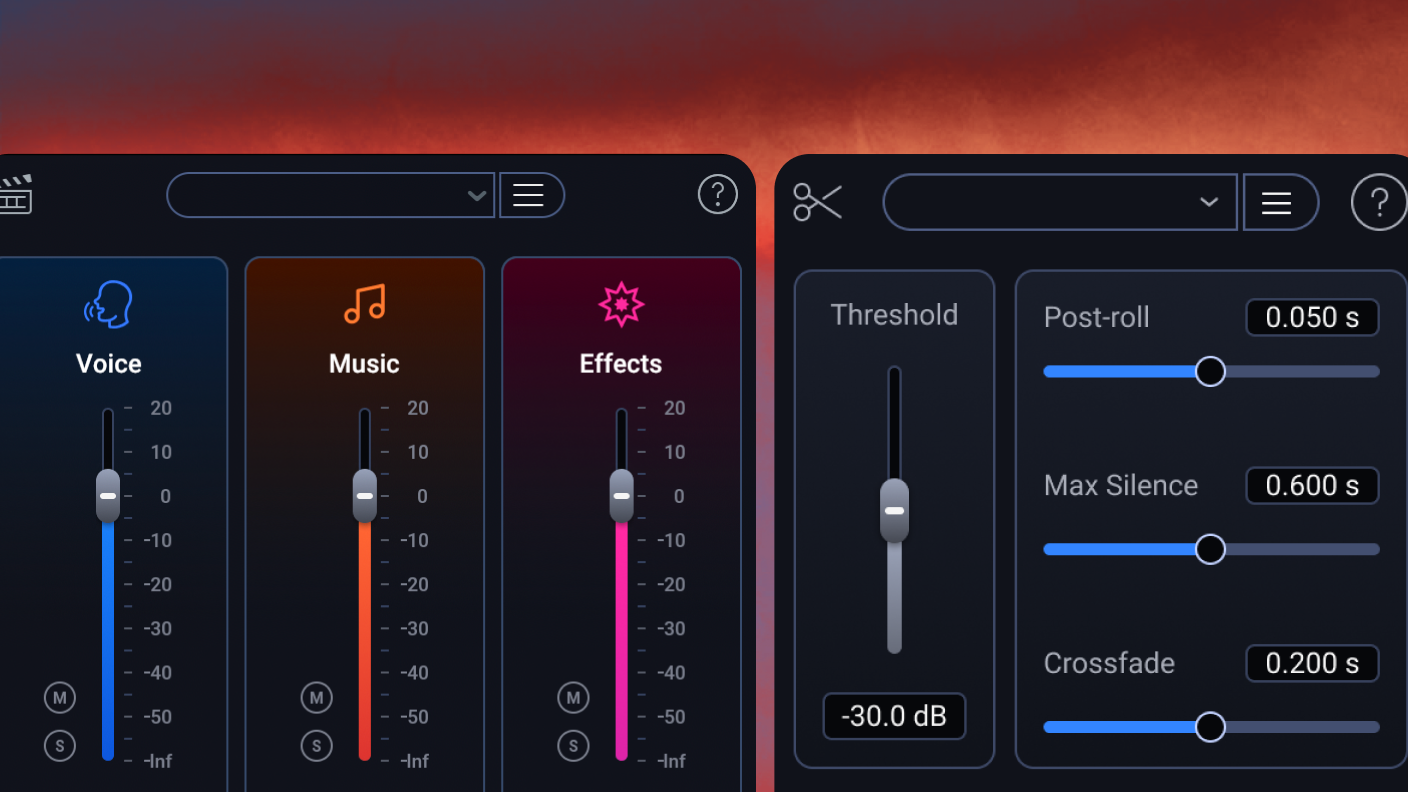
Brand-new modules
Independently adjust dialogue, music, and effects in post production with the new Scene Rebalance module, and manage long audio files in a flash with Trim Silence.
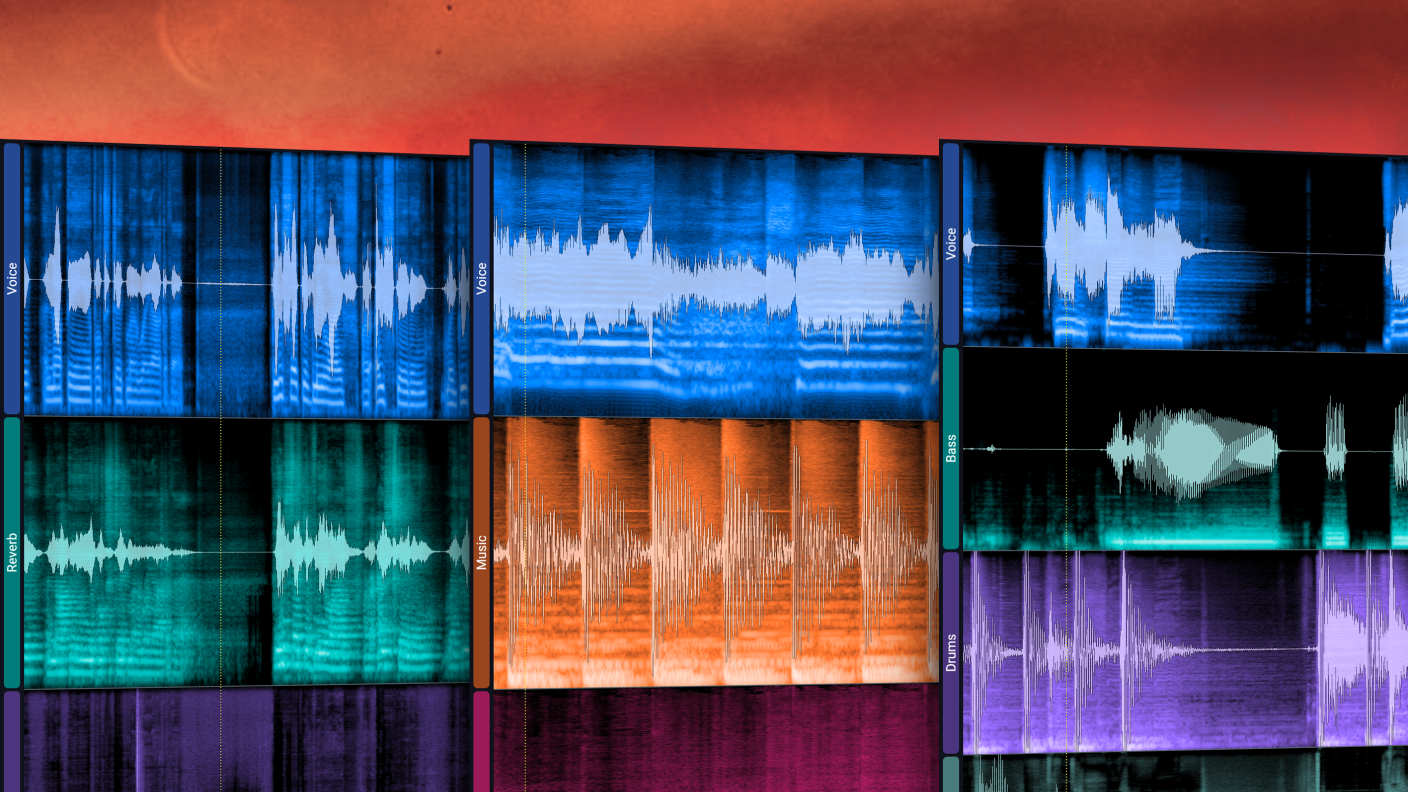
Deeper control
Visually split your audio into stems with Stems View (via Scene Rebalance, Music Rebalance, or Dialogue Isolate), then apply any RX tool exactly where you need it.
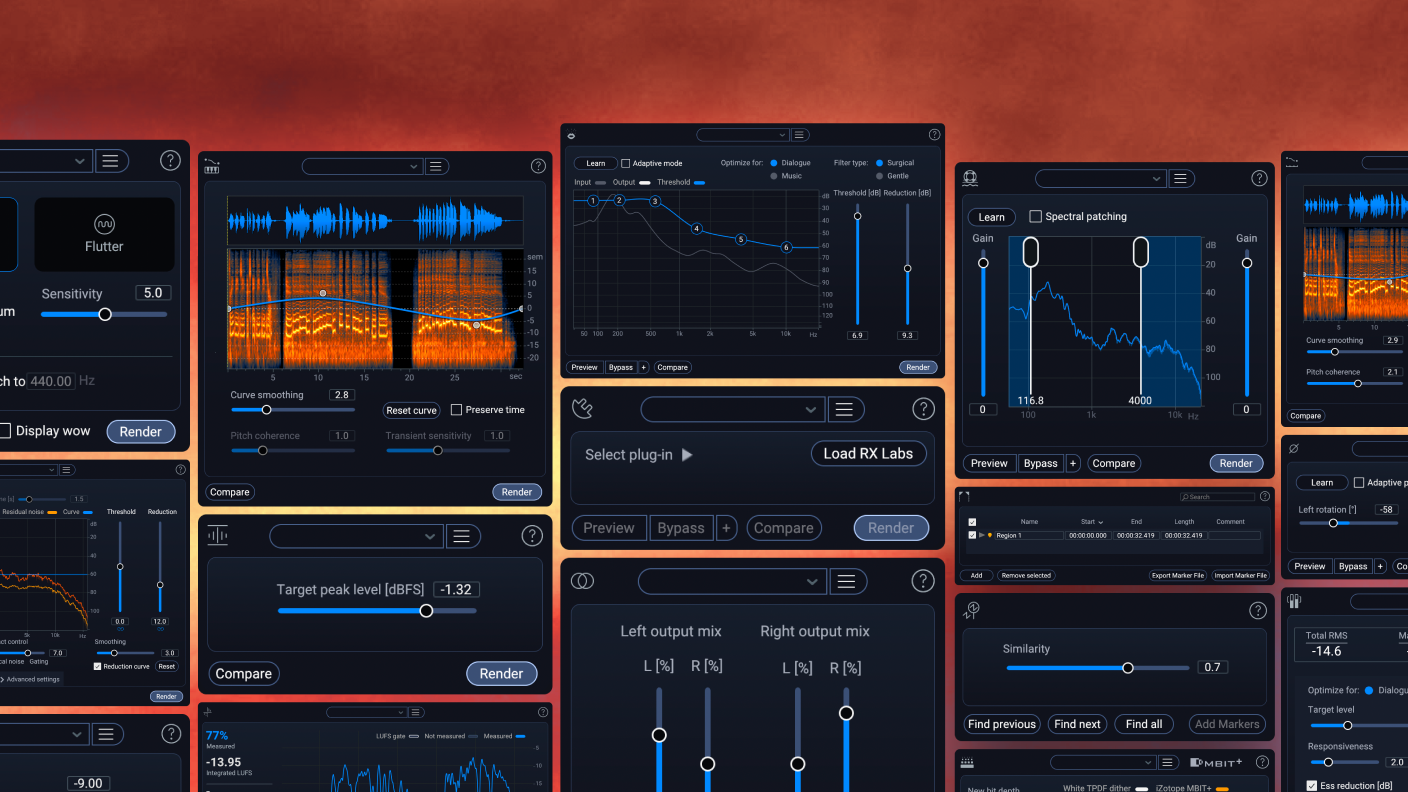
Better results, faster
Updated neural nets, new realtime plugins, rebuilt fan-favorites with cutting-edge machine learning – the new RX 12 toolkit makes crystal-clear audio easier than ever.
Overhauled experience
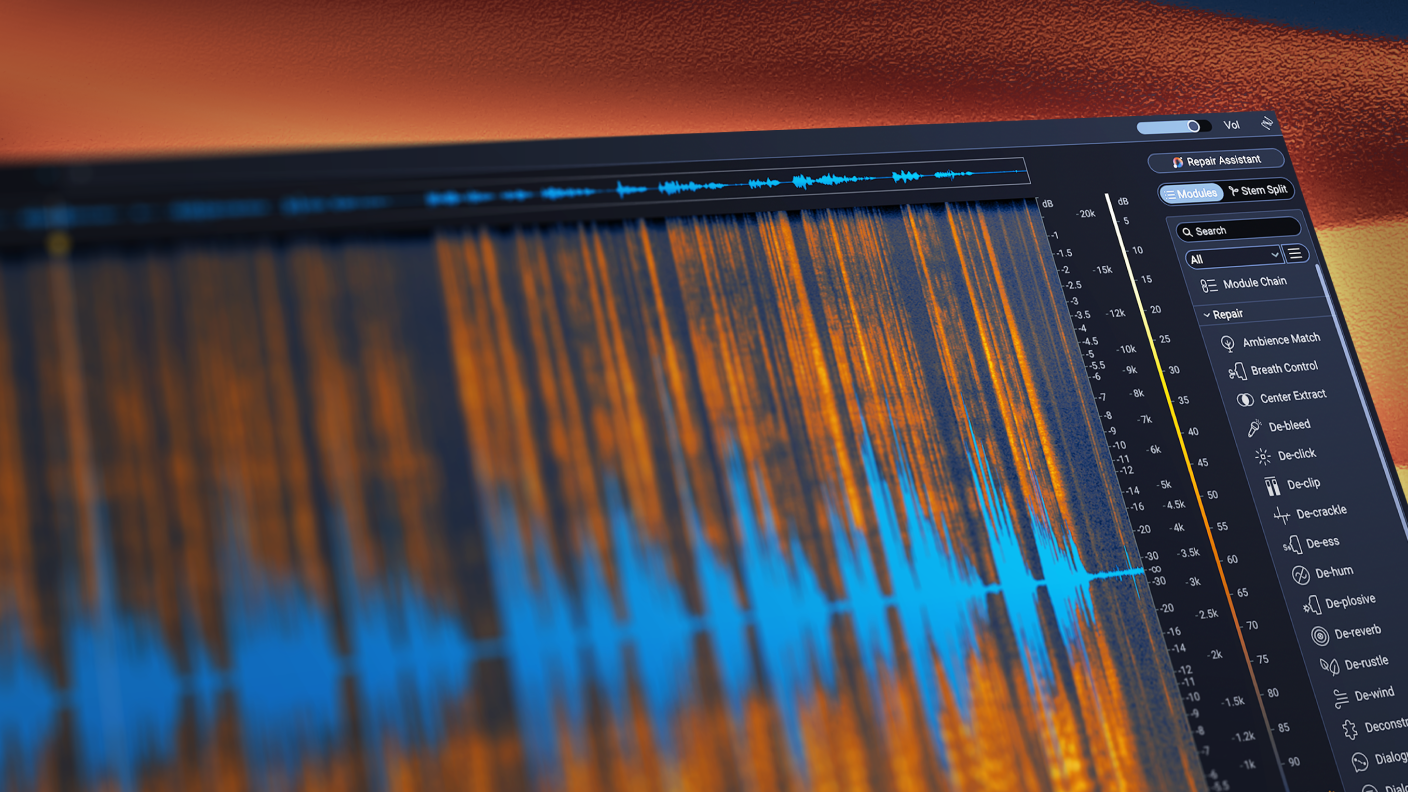
Make finer edits with a larger default spectrogram, skip menu diving with a new module search, easily trace your steps with a resizable History panel, and much more.
Quotes

"RX is literally a miracle product. The Music Rebalance feature does what every DJ and producer used to think was impossible. It’s already opening so many possibilities, and I still have to remind myself that it exists and it’s real."
— A-Trak, Grammy-nominated producer & DJ, Fools Gold Records, 5x DMC World Champion

"On Mad Max Fury Road, Blade Runner 2049 and Dune: Part One, we relied on iZotope RX extensively to create pristine production dialog and otherworldly sound effects. Relying on tools like Spectral Repair, Dialog Isolate, Radius and many others, we were able to make noisy dialog pristine, remove blemishes in recordings from the field, and process design elements into sounds no one has ever heard before."
—Mark Mangini, Academy Award winning Sound Designer, Sound Editor, Re-Recording Mixer (Dune, Mad Max: Fury Road, Blade Runner 2049)
"I restore a lot of classic feature films and TV shows for a living. For cleanup and restoration of audio my first choice is always iZotope RX. RX can solve almost any audio issue whether it’s removing unwanted noises or extracting and cleaning dialog, music, and effects, it gives me many options to get the job done. The RX editor allows me to do very precise surgical adjustments and restore the sound to the way it was meant to be."
— Doug Mountain, Audio Engineer (The Walking Dead)

"RX is like a Swiss Army knife for audio. I’ve recently been using it a lot for stripping out vocals from old songs for edits in my sets. It’s so effective."
— Chris Lake, GRAMMY-nominated Producer, DJ, Founder of Black Book Records
Which edition of RX is right for you?
RX 12 Elements
RX 12 Standard
RX 12 Advanced

System Requirements
RX12 has confirmed compatibility on the following operating systems
- Mac: macOS Sonoma (14.7), macOS Sequoia (15.7), macOS Tahoe (26.2)*
*Supported on Intel Macs and Apple silicon (M-series) Macs (Native & Rosetta) - Windows: Windows 10 (22h1), Windows 11 (24h1)
RX 12 is available in the following DAW plugin formats
AU, AAX, AAX Audiosuite, VST3, AU ARA*, VST3 ARA*.
Notes
- All formats are 64-bit only.
- Repair Assistant plugin formats: AAX Audiosuite, AU, VST3.
- Spectral Editor AU ARA: Logic Pro 10.7+ on Intel or Apple silicon Macs (in Rosetta only).
- Spectral Editor VST3 ARA: Studio One 7 & Studio Pro 8.
The RX 12 plugin suite has confirmed compatibility with the following DAWs and hosts
Logic Pro 12, Pro Tools 2025, Ableton Live 12, Cubase 15, Nuendo 15, Fender Studio Pro 8 (Studio One 7), Reaper 7, FL Studio 25, Adobe Audition 2026, Adobe Premiere Pro 2026, DaVinci Resolve 19, Reason 13.